


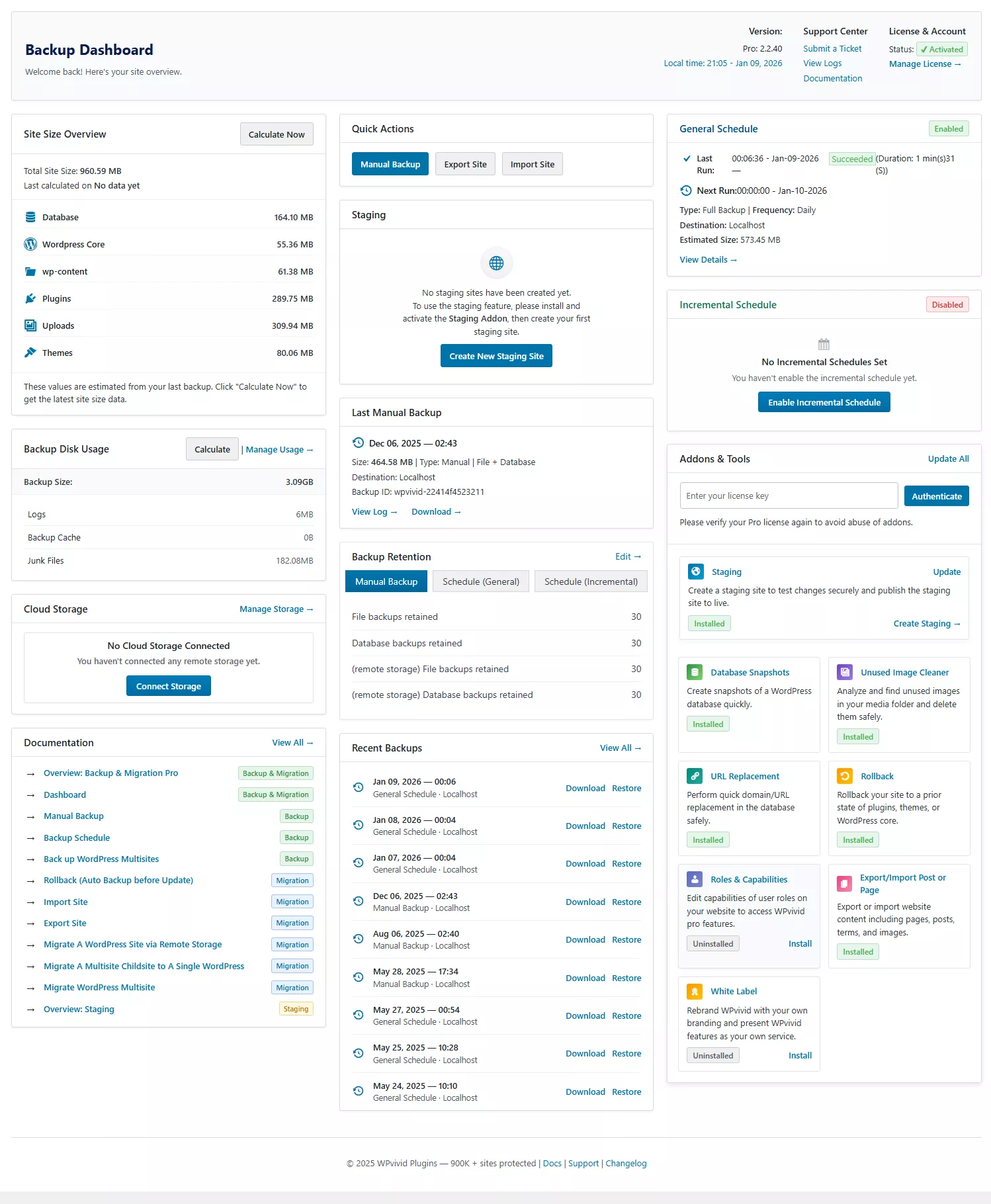
Site Size Overview
This section shows an estimated breakdown of your site size based on the latest scan, helping you understand backup scope, storage needs, and expected backup duration.
Quick Actions
Quick Actions provide immediate access to essential backup and migration operations, allowing you to create backups or move your site without navigating through multiple pages.
Staging Sites
This section provides a quick overview of your staging status and a direct entry point to create or manage staging sites.
Last Manual Backup
This section displays the most recent manual backup record, allowing you to quickly confirm when it was created and access it for download or restore.
General Schedule
This section provides a quick overview of whether the general backup schedule is enabled and running as expected, helping you confirm that automatic backups are working properly.
Incremental Schedule
This section provides a quick overview of whether the incremental backup schedule is enabled, allowing you to confirm its status at a glance.
Recent Backups
This section provides a quick overview of your most recent backups and a direct entry point to download or restore them when needed.
Backup Disk Usage
This section shows how much local disk space is currently used by backups, giving you a quick understanding of storage usage at a glance.
Cloud Storage
This section shows whether a remote storage destination is connected and provides quick access to manage cloud storage settings.
Backup Retention
This section provides a quick overview of your current backup retention settings and a direct entry point to modify them when needed.
Addons & Tools
This section provides quick access to install, update, and manage optional addons and tools, including the Staging feature and other components.
Documentation
Documentation provides direct access to guides and references for using WPvivid features effectively.